Login and account access at ivybet casino

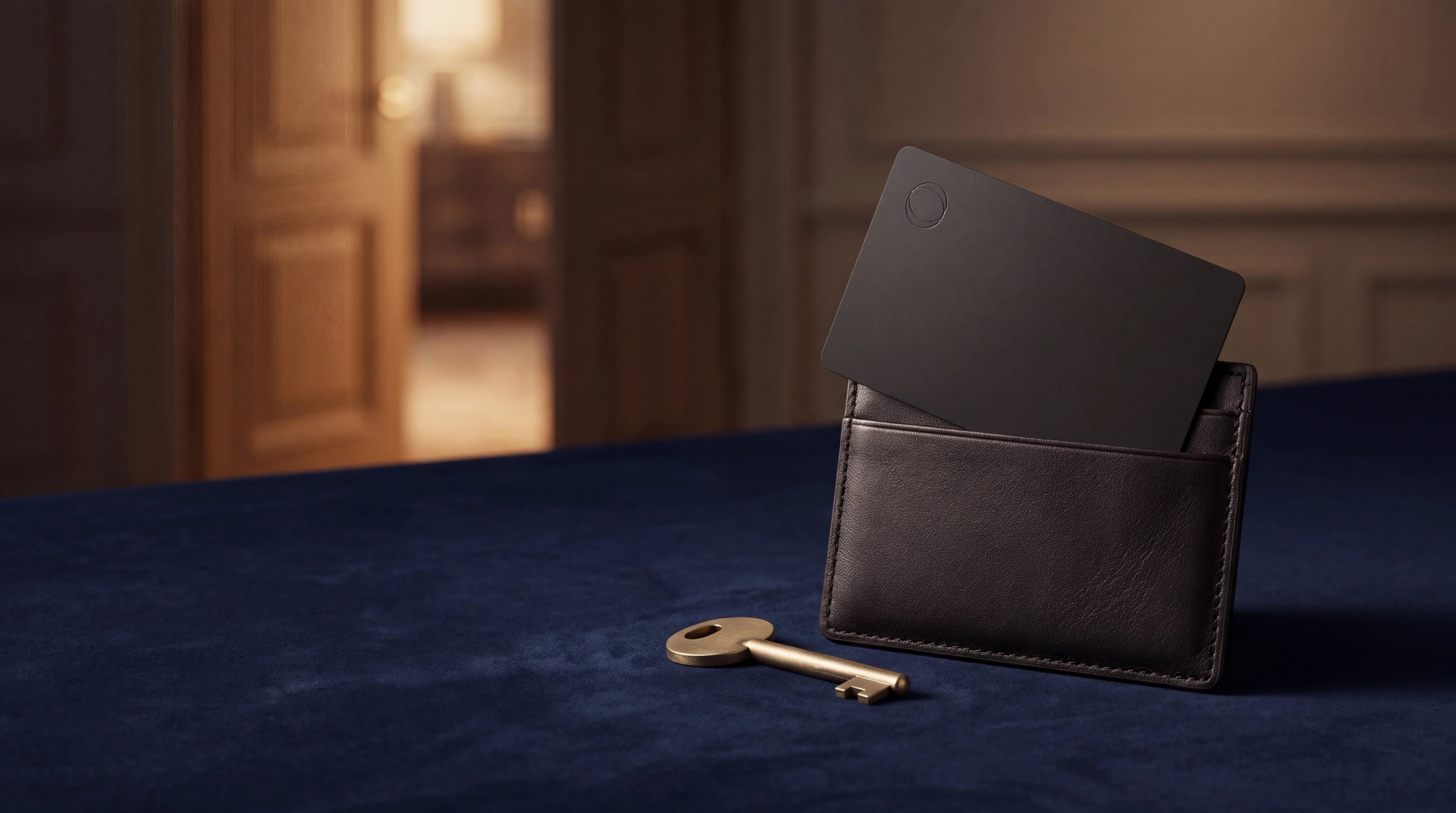
Matte-black access card and brass key beside a leather cardholder.

Securing your ivybet casino account starts with logging in safely. Here you'll find instructions for setting a strong password, recovering lost login details and solving common access issues.

18+

Log in

Secure login

Secure access to your online casino account starts with correctly entering your login details. Always enter your username and password on the official website and check the URL in your address bar before entering any information. This prevents you from falling victim to phishing attempts or fake websites that resemble the genuine platform.

Preferably use a strong, unique password that applies only to this account. Combine uppercase letters, lowercase letters, numbers and special characters to increase security. Avoid recognisable words, dates of birth or simple sequences that are easy to guess. Store your password in a safe location and never share it with others.

Always log out after each session, especially when using a shared device or public Wi-Fi network. Regularly check your account's login history if this feature is available, so that you notice unusual activity immediately. If in doubt about the security of your account, you can contact customer service for support.

Two-factor authentication and account security

Two-factor authentication (2FA) adds an extra security layer to your login by requesting a second verification method in addition to your password. This can be a code via SMS, email or authentication app. Even if someone knows your password, your account remains protected without that second factor. Many platforms offer this option in the security settings of your profile.

Strong account management starts with a unique password that you don't use anywhere else. Combine uppercase letters, lowercase letters, numbers and special characters for maximum protection. Store your login details securely and never share them with third parties. Change your password regularly, especially after longer periods of inactivity.

Regularly check your account activity and recent login sessions in the security settings. This way you'll notice unusual access quickly. Always log out after each session, especially on shared devices. Keep your email address and phone number up to date so that you receive security notifications and recovery codes when necessary.

Account lock and recovery

An account can be locked for various reasons: too many failed login attempts, suspicious activity, or a request from the player themselves. In the event of a block, you'll usually receive a notification on screen or via email. Always keep your registration email address and phone number up to date so that the platform can reach you in case of problems.

If you want to recover a locked account, contact customer service. You must identify yourself with details that match your account information: name, date of birth and email address. In some cases, the platform asks for a copy of your proof of identity to prevent misuse. Bear in mind that accounts that have been closed for security reasons are sometimes not reopened immediately.

If you've set a time-out or self-exclusion yourself, this period always runs its full course. You cannot end a cooling-off period earlier. For permanent self-exclusion via CRUKS, the account remains definitively closed as long as you're on that register. Before registration or reopening, always check whether your details are correct and whether you have access to the linked email address.

Mobile app access

The ability to log in via a mobile app depends on the platform that the operator makes available. Some brands offer a native iOS or Android app that you download via the App Store or Google Play, whilst other brands make their complete offering accessible via a mobile browser. Both options support the same login details as the desktop version.

If an app is available, you'll usually find it via a download link on the official website or directly in the app store of your device. The login procedure is identical: you fill in your username and password, after which two-factor authentication may be requested. Many apps offer additional options such as biometric access via fingerprint or facial recognition, which enables faster and more secure login.

Always check that you're downloading the official app by verifying the publisher and only using links from the website itself. Fake apps can intercept login details. When using a mobile browser, you open the site as usual and log in with the same account. Your session remains active as long as you stay logged in, but security reasons can cause automatic logout after inactivity.

Forgotten password

Have you lost your password? On the page where you log in, click on the «Forgot password» link or a similar option. You will then receive an email with instructions to set a new password. Also check your spam or junk mail folder if the email doesn't arrive within a few minutes.

The link in the email is usually valid for a limited time, often between ten minutes and an hour. Therefore open the email straight away and follow the steps to choose your new password. Choose a strong password that you haven't used anywhere else: combine upper case letters, lower case letters, numbers and special characters.

Isn't the reset working or are you not receiving an email? Check whether you used the correct email address when registering. If problems persist, contact customer service. They can verify your identity and help you further with restoring access to your account.

What you need to know about account access

At online casinos, direct access to your account is important for a smooth player experience. Make sure you keep your login details in a safe place and only use them on trusted devices. Never share your password with others and choose a combination that is difficult to guess. If you notice that someone else has access to your account, contact customer service immediately.

Regularly check your account history to recognise unusual activity. Online casinos usually log login attempts, playing sessions and transactions, so you can verify whether all actions were carried out by yourself. Make sure your email address and phone number remain current, so security notifications and account updates reach you directly. This also helps with restoring access if you forget your password.

Preferably only use official websites and apps from the casino. Avoid links from unknown emails or messages, as these may lead to fake websites. Keep your browser and operating system up to date to prevent security vulnerabilities. If you have access from multiple devices, log out when you're finished, especially on shared or public computers.

Online casinos in Belgium fall under licensing and supervision, and have the obligation to apply age verification and to offer tools for responsible gambling. Only play if you are 21 years of age or older and make use of deposit limits or self-exclusion options when necessary.

  • Keep your login details safe and never share them with third parties
  • Regularly check your account history for unexpected activity
  • Keep your contact details current for security notifications and account recovery
  • Only use official websites and apps, not links from unknown sources
  • Log out after your session, especially on shared or public devices
  • Make sure your browser and operating system are up to date for optimal security
FAQ

Can I change my email address after I've created my account?

This depends on ivybet casino's settings. Contact support for help changing your email address.

How long is my password recovery link valid for?

Recovery links typically have a limited validity period for security reasons. If your link has expired, request a new email message.

What should I do if I don't receive a password reset email?

Check your spam folder and verify you've entered the correct email address. If you still don't receive the recovery message, use a verified support channel.

Can I take over someone else's account?

Only manage your own account. Don't share your login details and don't use someone else's account.

Is ivybet casino safe to log in on public wifi?

Public wifi networks are less secure. Use a trusted private network where possible and avoid managing money on public wifi.

Responsible Gambling